Track Attendance from Microsoft Teams
Simplify online meeting attendance recording
Works with aPlus+ Attendance for 

Streamline the recording of attendance from online Microsoft Teams meetings. Record which students attended your online session and their time in and out with just a few clicks.
Entry Point - Attendance Register
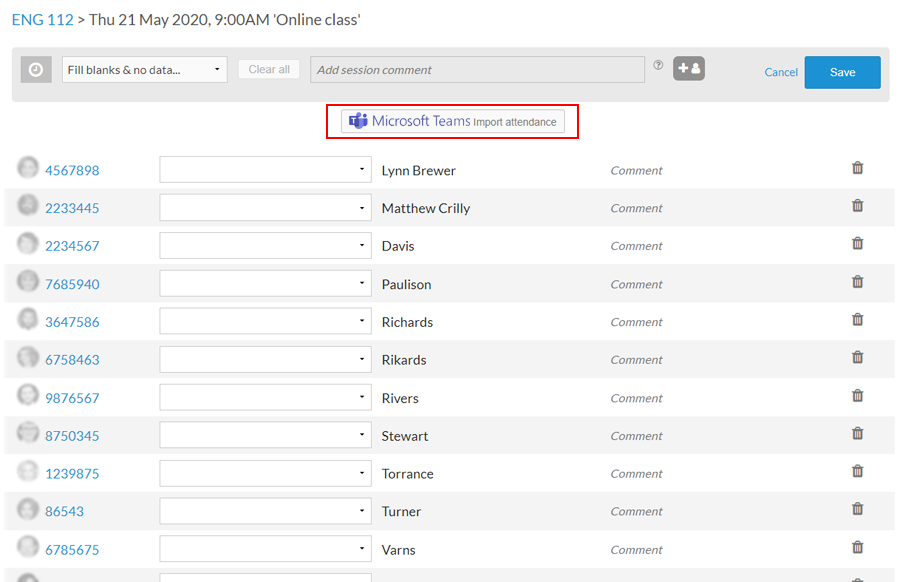
- Simply click the button to connect to MS Teams
- Multiple MS Teams accounts supported
- Also supported - connecting to Zoom online meetings
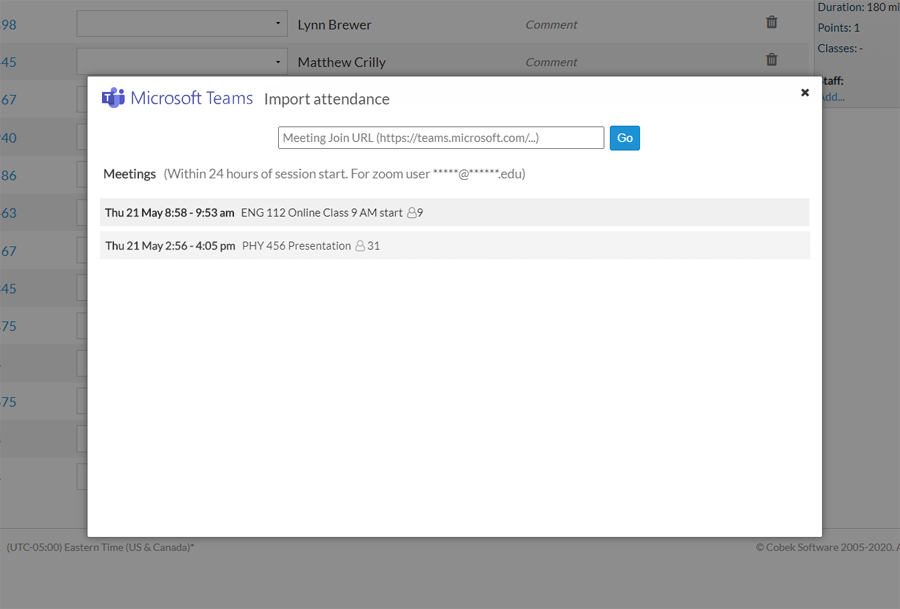
Select your meeting
- Most relevant meetings are shown based on scheduled start time
- Select a meeting to view participants
- Or provide MS Teams Join Url of meeting from your calendar or email
Record attendance
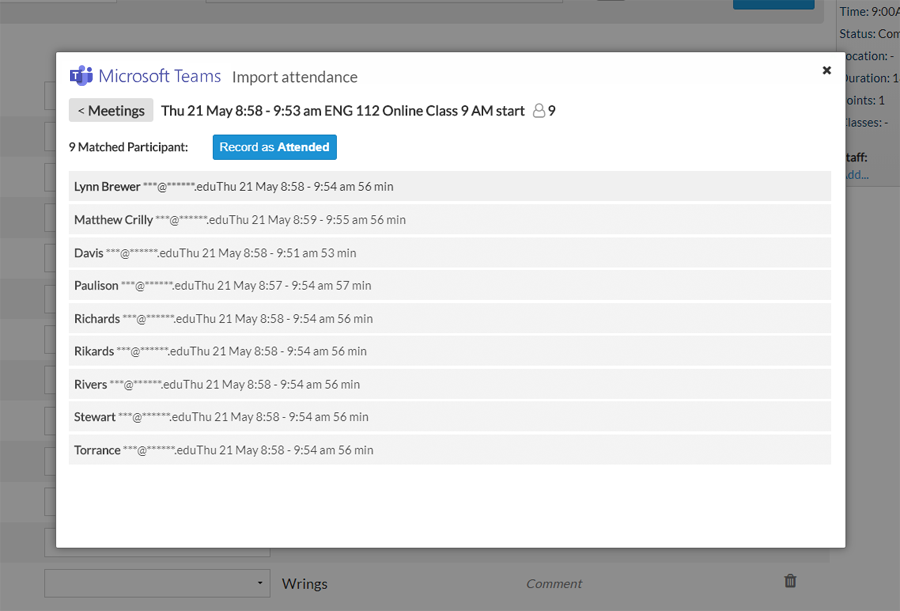
- Meeting participants are automatically matched to course students
- Review the participants to check attendance and any non-matched students
- Click the button to record as attended
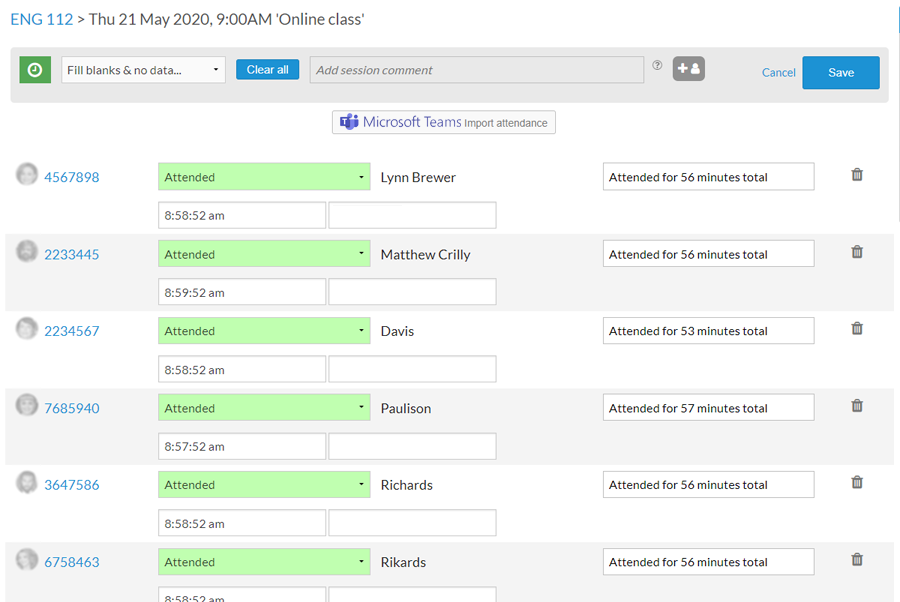
Adjust and confirm attendance
- Arrival time and attendance duration recorded automatically
- Apply an absent status for students who did not attend
- Manually adjust late or left early as necessary
- Save the attendance